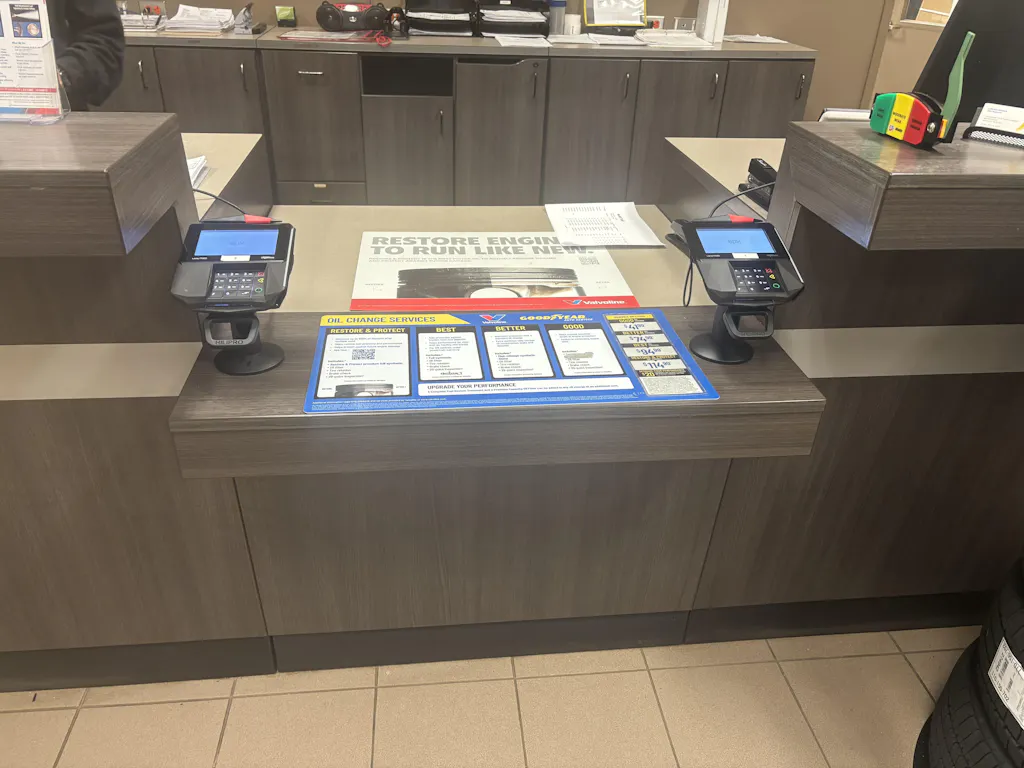
Every year, thousands of businesses lose payment terminals to theft. Occasionally it's a quick grab-and-run. Occasionally, a criminal will swap your real terminal for a fake one while your cashier isn't looking, and this is a more calculated approach. Either way, the result is the same: financial loss, a compliance nightmare, and customers whose data might now be in the wrong hands.
The good news? Most of this is totally preventable. You just need the right combination of physical security, employee awareness, and smart payment practices.
Let's get into it.
Is your payment terminal actually secure or just sitting there waiting to be grabbed? Lock it down with HILIPRO before it's too late.
Secure terminals with locking mounts or anti-theft stands
Never leave payment terminals unattended
Train employees to spot suspicious behavior and fake devices
Inspect terminals daily for tampering or skimming devices
Use PCI-compliant and encrypted payment systems
Protect internet-connected terminals with strong passwords and secure networks
Store terminals safely after business hours
Act immediately if a terminal goes missing
 Payment terminals have always been a target. But as more businesses move to wireless and portable card machines, the risk has gone up significantly. A terminal sitting loose on a counter with no mount? That's a grab-and-run waiting to happen.
It's worth knowing the difference between the main types of threats:
Theft is straightforward the device gets physically taken. Skimming is sneakier criminals attach a hidden device that reads card data without you ever knowing. Tampering means someone alters your terminal's internal components. Cloning is when stolen card data gets copied onto a fake card.
Retail stores, restaurants, hotels, and cafés are the most common targets. High foot traffic, distracted staff, and multiple checkout points all create opportunities for criminals. Understanding what elements to look for in a quality POS stand is one of the first steps toward locking down your checkout area properly.
Grab-and-run theft: Someone picks up an unsecured terminal and walks out
Terminal swapping: a criminal replaces your real terminal with a compromised fake
Fake skimming overlays a thin device placed over the card slot to steal data
Employee-assisted theft an inside job, rare but it happens
Unattended counters leaving a terminal out overnight or during low-traffic hours
Physical protection, employee awareness, and secure payment practices you need all three working together. Here's how.
This is the single most effective thing you can do. A terminal that's locked into a proper mount simply can't be grabbed and walked out the door. Look for heavy-duty systems with key-lock mechanisms, not just adhesive pads.
If you're wondering why your credit card terminal mount matters, the answer is simple: it's the difference between a terminal that stays put and one that disappears in seconds. HILIPRO's anti-theft stands are built specifically for this purpose, designed to prevent grab-and-run theft while keeping the terminal fully functional for customers.
So what's the fastest way to physically secure your terminal right now? Get a HILIPRO locking stands mount for PAX, Ingenico, Verifone, Clover, and more built to stop theft before it happens.
Anchor terminals to your counter using secure cable locks or flush mounting systems. This also helps prevent terminal swapping a criminal can't quietly replace a bolted-down machine with a fake one. Understanding the different types of POS machine stands helps you choose the right anchoring approach for your counter layout.
Exposed cables are an invitation. Route cables through locked conduit systems and keep them out of reach. The importance of cable management in POS stands goes beyond tidiness when cables are concealed, it's much harder to disconnect and remove the terminal quickly.
Don't leave terminals out overnight. Store them in a locked safe or drawer when your business is closed. An unattended counter at 2am is a much easier target than one with a locked-up device.
Cameras deter theft and help identify criminals after the fact. Place them to cover blind spots around checkout areas specifically. Make sure there's coverage from multiple angles including the area behind the counter.
Your staff are your first line of defense. Train them to recognize fake terminals, question unfamiliar people near checkout areas, and know exactly who to report suspicious activity to. A 15-minute training session can be very helpful.
Not everyone needs admin access to your payment system. Use password protection, limit refund permissions to senior staff, and keep a clear record of who has access to what. Employee accountability matters.
Check serial numbers, review your device inventory log, and inspect security seals every single day. It sounds tedious, but terminal swaps are often only caught when someone notices the serial number has changed.
Know what your terminal is supposed to look like. Red flags include loose or wobbly card readers, sticky or stiff keypads, extra wiring or unusual attachments, slightly different coloring or branding, and altered labels or screens. If anything looks off, don't use the terminal. Report it immediately. POS stands with locking features make tampering significantly harder in the first place.
PCI DSS compliance isn't just a box-ticking exercise it genuinely protects your customers' data. Make sure your terminals use encrypted transactions and tokenization, so even if someone intercepts data, they can't read it. Using POS stands to improve PCI compliance is a practical technical approach that many businesses overlook.
Physical terminal security also supports PCI compliance by reducing tampering risks and unauthorized access.
Most modern terminals have built-in tamper sensors that lock the device or wipe data if someone tries to open it. Make sure these features are enabled and tested regularly.
When a terminal goes missing, every minute counts. Have a written plan ready so your team knows exactly what to do no panicking, no wasted time. (We cover the full response checklist later in this post.)
 Physical security matters, but if your terminal connects to the internet, there's another layer to think about. Cybercriminals can exploit weak network settings just as easily as a thief can grab an unsecured device.
Quick cybersecurity checklist for connected terminals:
Put payment terminals on their own network separate from guest Wi-Fi completely
Change default passwords immediately (seriously, do this today)
Use strong, unique passwords and update them regularly
Keep terminal software and firmware updated
Restrict admin access to specific devices or IP addresses
Use encrypted, cloud-based payment processing
Monitor login attempts and flag unusual transaction patterns
Card skimming is when a criminal places a hidden device on your terminal that captures card data as customers pay. That stolen data then gets used to clone cards, essentially creating fake cards loaded with your customers' real payment info.
The difference: skimming is the data theft, cloning is what happens with that data afterward.
Unusual attachments or overlays on the card slot
Colors or branding that don't quite match the rest of the terminal
Crooked or misaligned card reader opening
Sticky or stiff keypad (could indicate a keypad overlay)
Extra wiring visible around the device
When in doubt, wiggle the card reader gently. A legitimate reader won't move. A skimmer overlay often will.
Short answer: not easily. Tap-to-pay (NFC) and EMV chip transactions use encryption that makes the data useless to skimmers. Contactless payments generate a unique one-time code for each transaction, so even if a criminal intercepts it, they can't reuse it.
That said, if the terminal itself has been completely compromised (not just overlaid with a skimmer), tap-to-pay is still at risk. That's why we should care so much about physical security. The rise of contactless payments has changed the threat landscape, but it hasn't eliminated it.
Use EMV chip readers for all transactions
Enable encrypted payment systems across all terminals
Run routine inspections to catch skimmer attachments early
Make sure all terminals are PCI compliant
Not every business faces the same security risks associated with payment terminals. A busy retail store deals with crowded checkout lines, while restaurants often use portable terminals that move from table to table. Hotels, on the other hand, handle payments in shared front desk areas with multiple staff shifts.
Because of these differences, businesses need security practices that match their daily operations. A single approach does not work. The right combination of employee awareness, secure terminal placement, anti-theft mounting systems, and daily inspections can greatly reduce the risk of theft, tampering, or card skimming.
Position your terminal so you can see it from the main checkout area at all times. During busy hours, assign a specific staff member to monitor checkout points. Use anti-theft mounts to prevent terminal swapping in a busy store, a quick swap can go unnoticed surprisingly easily. Maximizing security with your POS stand is a good starting point for retail setups. It's also worth thinking about how POS stands address pain points in retail more broadly.
Table-side payments with portable terminals are convenient, but they carry higher risk. Train staff to keep terminals visible at all times and never leave them at tables unattended. Set up a secure charging station, not just a random drawer, for overnight storage, and keep a log of which terminal is assigned to which staff member. Streamlining restaurant experience with portable POS mounts offers practical ideas for keeping portable terminals organized and accounted for.
Front desk payment terminals are high-value targets because they're often in semi-public areas with multiple staff shifts. Set up strict protocols around terminal handoffs between shifts, and make sure guest privacy is protected during payment (no one nearby should be able to see card entry). Monitor access across shifts it's easier to track down incidents when you know exactly who was on duty.
Physically securing your terminal isn't just about preventing theft it actually extends the life of the device too. A leading supermarket retailer that tested mounted terminals versus unmounted ones reported an improvement in device lifespan of over 60%. Less handling means less wear, fewer cable issues, and fewer replacement costs.
When you're shopping for a secure mount, here's what actually matters:
Lock-and-key system basic adhesive pads just aren't enough
Concealed mounting screws so they can't be undone without tools
Metal construction plastic mounts can be broken; steel can't
Cable management keeps cables protected and out of reach
Swivel and tilt functionality so customers can still use the terminal easily
ADA compliance accessibility matters, and many markets require it
Some mounts also offer key lock mechanisms, signal-friendly designs that don't interfere with NFC or Bluetooth, and FlexiPole systems that minimize cable damage while protecting against criminal interference.
If you're looking at specific terminal brands, HILIPRO offers dedicated solutions, including Ingenico POS stands, Verifone POS stands, and PAX series stands all with anti-theft fastening built in.
Note: If Your Credit Card Terminal Gets Stolen
Quick action dramatically reduces the financial and legal impact. Here's what to do immediately:
Contact your payment provider and have them disable the terminal
Inform your terminal provider so a replacement can be arranged
Report the theft to law enforcement
Reset all passwords and admin credentials right away
Monitor transactions closely for the next 48-72 hours
Temporarily suspend refund permissions if needed
Enable fraud alerts across your payment accounts
Notify your compliance team and review PCI procedures
Replace the compromised device before processing payments again
HILIPRO offers a range of credit card machine stands compatible with various systems, from PAX terminal stands to Verifone pin pad stands to Ingenico stands, all designed to keep payment terminals secure, stable, and easy to use.
HILIPRO's anti-theft fastening systems firmly secure devices in place, preventing unauthorized access or tampering, which is crucial for protecting sensitive payment data in public or semi-public areas.
Here's what makes HILIPRO stand out:
Theft prevention through locking mechanisms and secure mounting
Better workspace organization with built-in cable management
Durable construction heavy-duty steel that holds up in high-traffic environments
Easy installation complete kits with everything included
Wide compatibility across all major payment terminal brands
360-degree swivel and 50-degree tilt options for customer accessibility
Industries that benefit most: retail stores, restaurants, hotels, grocery stores, healthcare clinics, and convenience stores.
Theft of credit card terminals is a real and growing problem, but it's also one of the most preventable risks your business faces. Most successful thefts happen because something basic was overlooked: a terminal left unsecured, a cable running loose, or a staff member who didn't know what a skimmer looks like.
So in the end, the fix isn't complicated. Secure your terminals physically. Train your team. Run daily checks. And for internet-connected machines, layer in cybersecurity practices too.
The businesses that get hit usually think it will never happen to them.
Don't be that business.
Protect your checkout with HILIPRO's anti-theft mounting systems built for retail, restaurants, hospitality, and more. Contact HILIPRO today to find the right setup for your terminals.
The most common methods are grab-and-run theft from unsecured counters, terminal swapping (replacing a real terminal with a fake one), and attaching skimming devices to capture card data without ever touching the terminal itself.
Using a proper anti-theft mounting system like those from HILIPRO is the single most effective step. Combine that with daily inspections, staff training, and PCI-compliant payment software for comprehensive protection.
Run daily visual inspections, train staff to recognize skimmer attachments, and encourage customers to use tap-to-pay whenever possible. Flush-mounted terminals are also significantly harder to attach skimming devices to.
Look for loose or wobbly card reader attachments, slightly different colors or branding, crooked card slot openings, sticky keypads, or any unexpected wiring around the device. Give the card reader a gentle tug—legitimate readers don't move.
Standard skimming devices can't capture NFC tap-to-pay data because each transaction uses a unique encrypted code. However, a fully compromised terminal (not just a skimmer overlay) can still pose risks, which is why physical terminal security remains essential.
Skimming is the act of stealing card data (usually via a hidden device). Cloning is what criminals do with that data, copying it onto a blank card to make fraudulent purchases.
PCI DSS compliance ensures your payment systems meet industry standards for data encryption, access control, and security monitoring. Non-compliance leaves customer data vulnerable and can result in significant fines after a breach.
Yes. Wireless and portable terminals have the highest theft risk of any setup because they're not anchored to anything. If you use portable terminals (for table-side payments, for example), strict staff accountability and secure storage protocols are essential.
Disable the terminal through your payment provider, reset all admin credentials, report to law enforcement, monitor for suspicious transactions, and replace the device before resuming payment processing.
Absolutely. A properly mounted terminal with a key-lock mechanism is exponentially harder to steal than a loose one. Beyond theft prevention, mounting systems also reduce device wear and cable damage, extending the life of your terminal significantly.
Yes. Connected terminals can be targeted through weak Wi-Fi networks, default passwords, or unpatched software. Keeping terminals on a separate, secured network and updating firmware regularly are essential protections.
High-traffic businesses with public-facing checkout areas, such as retail stores, restaurants, cafés, hotels, and convenience stores, are the most common targets. The combination of foot traffic and distracted staff creates more opportunities for criminals.