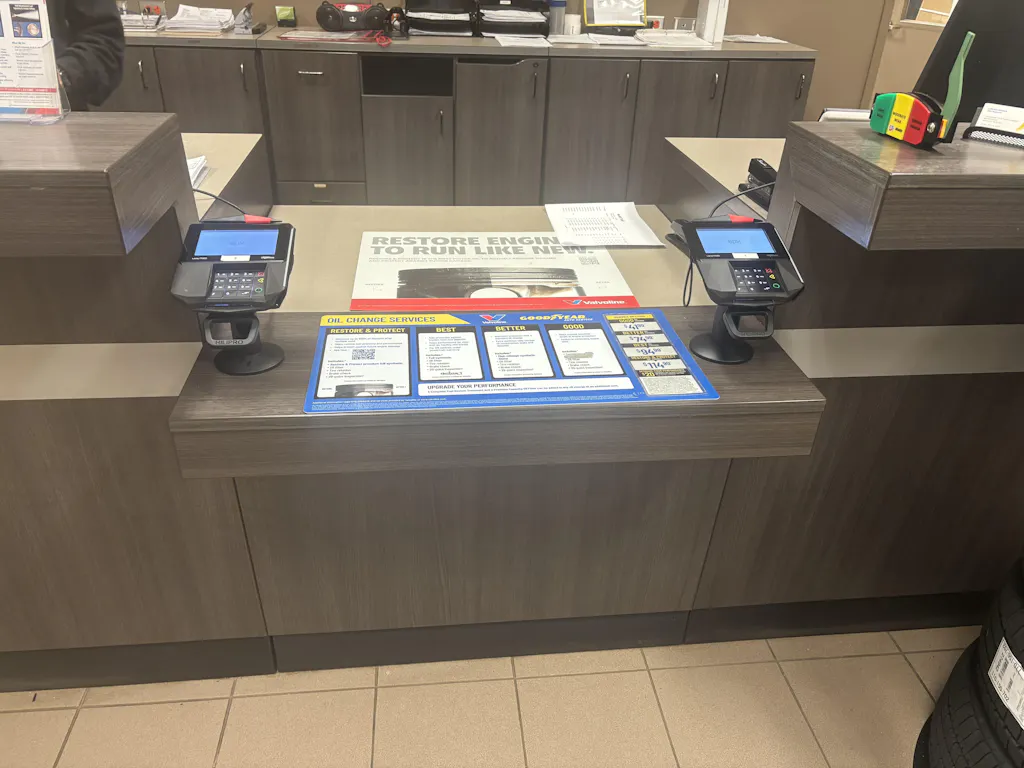
Every time a customer taps or swipes their card at your counter, they're trusting you with their money and their data. That's a big deal. And honestly, most small business owners don't think about payment security until something goes wrong a chargeback, a fraud alert, or worse, a full data breach.
PAX card readers are solid, reliable devices. But they're also connected to the internet, and they handle real financial data, and that makes them a target. The good news? You don't need to be a tech expert to protect yours. A few simple habits practiced consistently will take care of most of the risk. This guide walks you through exactly what to do.
PAX Technology is one of the biggest payment terminal brands out there. You’ve probably seen their devices in shops, cafes, or restaurants without even noticing. A PAX card reader is basically a small machine that lets customers pay by card chip, swipe, or tap. It sends the payment info to your processor and gets the job done.
But here’s the thing any device handling money and connected to the internet can attract hackers. And small businesses? They’re often the simplest target because basic security steps get ignored. The goal is simple don’t be the easy target.
PAX card reader security = protecting your device from fraud and tampering
Payment terminal security = keeping your whole POS system safe

Before you can resolve a problem, you need to know what you're dealing with. These are the three biggest threats your card reader faces on a daily basis.
Card skimming, although an old technique, remains a prevalent issue. A fraudster physically attaches a small device to your terminal, usually the card slot or the keypad, and that device quietly captures card data from every single customer who uses it. Some skimmers even transmit the data wirelessly in real time.
Usually someone walks in pretending to be a customer or a technician. They spend a few seconds near your terminal, attach something small and hard to notice, and leave. You have no idea. Your customers have no idea.
Signs something might be wrong:
The card slot feels loose or wiggles when you touch it
There's something attached to the keypad that looks slightly off
The card doesn't go in as smoothly as it used to
Parts of the terminal look like they don't quite match different colors, textures, or thickness
Honestly, if something just feels weird about your terminal, trust that instinct. Stop using it and take a closer look before you process another payment.
Recommended Read: How to Secure PAX Terminal To Prevent Theft and Fraud?
This one's scarier because there's nothing physical to spot. POS malware is software that gets installed on your payment system and silently collects card data in the background. It can run for weeks without any visible sign that anything is wrong.
A staff member clicks a phishing email link without realizing it
Someone downloads software from an unofficial or sketchy source
A USB drive gets plugged into the terminal
The device is running old firmware with known security holes
The network it's connected to isn't properly secured
Once it's in, it's basically invisible. It just sits there, collecting card numbers and sending them somewhere else. This is why updates and network security are crucial, and we'll discuss them in more detail shortly.
Not every threat comes from outside. Occasionally the issue lies within the organization itself. Weak passwords, shared logins, and excessive access to the terminal or payment system are common issues in small businesses that create real vulnerabilities.
Things that cause problems:
Never changing the default password that came with the device
One login shared between three or four staff members
Passwords written on a sticky note near the register
Former employees who still technically have access
Everyone having the same level of access regardless of their actual role
When multiple people share one login, you have no way to know who did what. Ultimately, this situation poses both a compliance and a security challenge.
Okay, here's the practical part. These steps are straightforward. You don't need experience in IT. You just need to go through them one by one.
Encryption scrambles your customer's card data the moment it's captured. So even if someone intercepts it mid-transmission, they get nothing readable. Just gibberish.
Tokenization takes it a step further. Instead of your system storing the actual card number, it replaces it with a random code, a "token." That token is useless to anyone who doesn't have access to your specific payment system. So basically, even if data gets stolen, there's nothing there worth stealing.
What to do:
Ask your payment processor whether end-to-end encryption (E2EE) is active on your account
Ask whether tokenization is enabled
If you're not sure, contact PAX support or your merchant services provider and just ask them to confirm both are set up correctly
Most modern PAX devices support both. But they have to be properly configured don't assume they're automatically on.
Firmware is the built-in software that runs your PAX device. PAX pushes out updates regularly, and those updates often fix security vulnerabilities, known weak spots that hackers can exploit if you haven't patched them.
Skipping updates is honestly one of the easiest ways to get yourself into trouble. Cybercriminals look for terminals running old firmware on purpose because older versions often have documented flaws that are simple to take advantage of.
What to do:
Check for firmware updates at least once a month
Install updates as soon as they're available don't sit on them
If your setup supports automatic updates, turn that on
If you have more than one terminal, keep a simple log of when each one was last updated
Think of it like this you wouldn't leave a known hole in your wall and just hope nobody notices it. Same idea here.
Your PAX reader needs Internet access to work. How you connect it matters more than most people realize. Wired vs. WiFi: A wired Ethernet connection is more secure. It's harder to intercept, harder to attack remotely, and generally more stable for payment processing. If you can run a cable to your terminal, do it.
If WiFi is your only option:
Use WPA3 encryption on your router (WPA2 at minimum)
Set a strong password on the network, not the default one that came on a sticker on the router
Set up a separate WiFi network just for your payment terminals, separate from the one customers or general staff use
Make sure your router's firewall is turned on
That separate network thing is a big one. If your payment terminal is on the same network as a customer's laptop or your staff's phones, it's exposed to a lot more risk than it needs to be. Keeping it isolated is a simple fix that makes a real difference.
Every login connected to your payment system needs a real password. Not "1234." Not the store name. Not "password."
What makes a strong password:
At least 12 characters
A mix of uppercase and lowercase letters, numbers, and symbols
Nothing that links to obvious personal or business information
Different from passwords used for anything else
Plus, each person who accesses the system should have their own individual login. That way, if something goes wrong, you can actually see who did what. And when someone leaves the business, you can remove their access immediately without disrupting everyone else.
A few other things worth doing:
Use role-based access give people access only to what they actually need for their job
Enable two-factor authentication (2FA) if your payment system supports it
Review who has access every few months and clean up accounts that are no longer needed
This one's simple. Just look at your terminals every day. It takes about 30 seconds. Before your business opens, quickly check each device:
Does the card slot look normal and feel secure?
Is the keypad flat and attached properly?
Does anything look added, misaligned, or out of place?
Is the terminal's serial number sticker still intact?
If you have multiple terminals or staff members who open without you, add this check to your opening routine. Make it a habit. Most skimmers are installed overnight or during quiet periods when nobody's paying attention.
Recommended Read: Adjustable vs Fixed PAX Terminal Stands
Use this as a quick reference. Stick it near your terminal or share it with whoever manages your POS setup.
|
Security Area |
Action |
How Often |
|
Encryption |
Confirm E2EE and tokenization are active |
Set up once, verify quarterly |
|
Firmware |
Check for and install updates |
Monthly |
|
Network |
Separate POS network, firewall on, strong WiFi password |
Review every 3 months |
|
Passwords |
Unique logins per staff, 12+ character passwords |
Update every 90 days |
|
Access Control |
Review who has access and remove old accounts |
Every 3 months or when staff changes |
|
Physical Inspection |
Check terminals for tampering or skimmers |
Daily (opening routine) |
|
Staff Training |
Make sure team knows what to look for |
Every 6 months |
|
PCI Compliance |
Review compliance requirements for your setup |
Annually |
If you can check everything on that list regularly, you're in a much better position than most small businesses out there. Neglecting one or two of these tasks over an extended period often leads to most breaches.
Protect your business with secure POS solutions from Hilipro.

PCI DSS stands for Payment Card Industry Data Security Standard. It's basically a set of rules created by the major card networks Visa, Mastercard, American Express, and others to make sure businesses handle card data safely.
If your business accepts card payments, PCI compliance isn't optional. It applies to you regardless of your size.
Why it matters:
Non-compliance can result in fines from your payment processor
If a breach happens and you weren't compliant, you could be held financially responsible for fraud losses
It protects your customers, which protects your reputation
The core requirements in plain language:
Protect your network: use firewalls, keep your POS network separate, don't use default passwords
Protect cardholder data: use encryption and tokenization, don't store card numbers you don't need
Control access: Only give people access to what they need, use unique logins
Keep systems updated: firmware, software, and security patches applied regularly
Monitor and test: log activity, check for unusual access, inspect terminals
Have a security policy: even a simple written checklist counts as a policy for small businesses
A third-party payment processor handles much of this work for most small businesses using a PAX terminal. You are responsible for the physical security of your device, your network setup, and your access controls.
If you're not sure what your current compliance level is, ask your payment processor. They can usually walk you through a self-assessment questionnaire (SAQ) that takes about 20 minutes.
Securing your PAX card reader isn't about doing one big thing. It's about doing a bunch of small, consistent things that together make a real difference.
Update your firmware. Check your terminals daily. Use strong passwords. Keep your payment network separate. Enable encryption. Those five habits alone put you ahead of the majority of small businesses when it comes to payment security.
Fraud doesn't usually happen because someone cracked an incredibly sophisticated system. It happens because someone left a door unlocked that they didn't know was there. So close the doors. Make it routine. And if you're not sure whether your current setup is actually secure, get it checked.
Contact our team today to upgrade your payment security, check your compliance, and make sure your PAX setup is giving your customers and your business the protection they deserve.
Start with the basics enable encryption and tokenization, update the firmware regularly, use strong individual passwords, secure your network, and physically check the device every day for signs of tampering. None of these steps are complicated, but doing all of them consistently is what actually keeps you protected.
PCI compliance is a set of security standards that any business accepting card payments has to follow. It covers card data protection, network setup, system access, and issue monitoring. Not following these rules can lead to fines and, if a breach happens, serious financial liability.
Like any device that connects to the internet, they can be targeted. But "can be hacked" doesn't mean "will be hacked." Proper encryption, updated firmware, a secured network, and strong access controls make it much harder for anyone to get in. Most attacks succeed because basic security steps were skipped, not because the device itself is weak.
Check for updates every month, and install them as soon as they're available. Don't wait. Updates exist to fix security vulnerabilities, and the longer you run outdated firmware, the longer those vulnerabilities are sitting open.
Look for anything that feels off, like a loose card slot, something attached to the keypad that doesn't look like it belongs there, resistance when inserting a card, or parts that look slightly different from the rest of the device. If something seems wrong, stop using the terminal and inspect it before processing any more payments.
It can be, if it's set up properly. Use WPA3 encryption and a strong unique password, and most importantly, put your payment terminal on its own separate network, not the one your customers or general staff use. That said, a wired connection is still more secure if you have the option.
Tokenization replaces your customer's actual card number with a randomly generated code during the transaction. That code token is useless outside of your specific payment system. So even if someone intercepts it or steals it, there's nothing they can do with it. It's one of the most effective ways to limit your exposure to card data theft.
Honestly, the security of any POS system depends more on how it's set up and maintained than on the brand. PAX, Ingenico, and Verifone all make solid, secure hardware. But a well-maintained PAX terminal will always be safer than a poorly maintained version of any other brand. The device is only as secure as the habits around it.