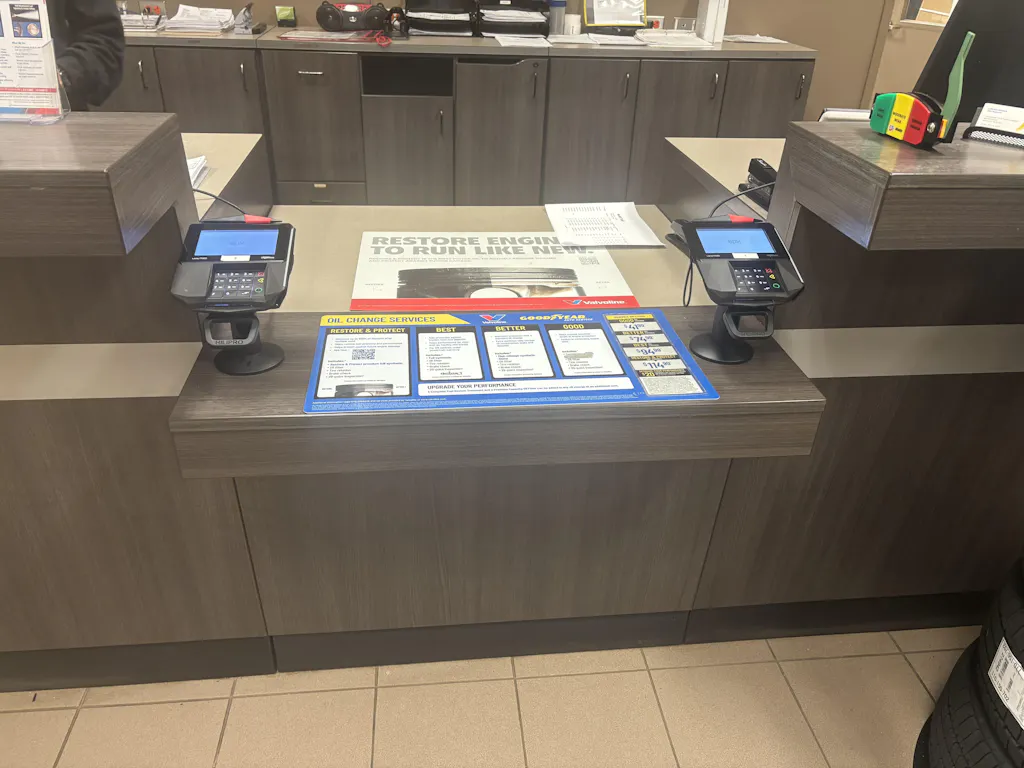
Payment fraud is on the rise, and businesses that use POS machines are often the easiest to target. If you leave your front door open, someone will try to get in sooner or later. It is not only a good idea to keep your PAX Technology terminals safe, it is a must.
Every day, attackers look for easy ways to get in, like unlocked devices, weak networks, or old software. These little mistakes can cost you a lot of money, steal customer data, and hurt your reputation. Many businesses remain unaware of the risks until it's too late.
But the good news is that protecting your PAX terminal is easy if you do the right things.
You will learn the following in this guide:
How POS systems are used for fraud and theft
Easy ways to lock up and keep your terminal safe
Smart tools like encryption and safe POS stands
A way to keep your system safe, step by step
PAX terminal security means keeping your payment device safe from theft, fraud, and data leaks. In short, it means keeping your card machine safe from thieves and hackers so they can't get money or customer information.
PAX Technology makes devices that handle sensitive information like PINs and card numbers. Hackers and thieves can easily get into these machines if they aren't properly secured.
Your POS terminal is like a cash register. Anyone can take money from it if it's not locked.
Here's why it's important to be safe:
Protects customer information by keeping card details safe
Stops fraud before it happens, which keeps you from losing money.
Builds trust, customers are sure they can pay you
Keeps you out of trouble with the law helps you follow rules like PCI DSS
Secure your PAX terminals the right way with a reliable stand. Get high-quality PAX terminal stands from Hilipro today and protect your business from theft and fraud.
 To stop POS fraud, you need to know what risks are common to your system. Most security issues arise from gaps in system setup, payment processing, or network protection. PAX Technology terminals are safe by design, but if you don't use them correctly, they can still be vulnerable to threats.
If you don't secure a POS terminal properly, people can steal, move, or tamper with it. Unlocked devices left on counters are easy to steal. Attackers can add external devices, access ports, or even replace the terminal completely.
This kind of risk goes up when there isn't a safe way to mount it, lock it, or check it on a regular basis. The result could be losing the device, letting someone in without permission, or putting data at risk.
Recommended Read: Common POS System Mistakes and How to Avoid Them?
When attackers steal card information during transactions, this is called card skimming. You can do this with hidden devices or by changing the hardware on the terminal. If the card reader is hacked, it is possible to record private information like card numbers without anyone noticing.
Not properly monitoring things and not following standards like PCI DSS increases the likelihood of these kinds of attacks. These things often cause customers to lose money and trust in the company.
POS terminals connected to insecure networks are vulnerable to cyberattacks. Hackers can get in through weak WiFi, unencrypted data, and old software. You can put malware on the system to steal payment information over time.
The system is still at risk of data breaches and other threats if it doesn't get regular updates, secure connections, and proper network controls.
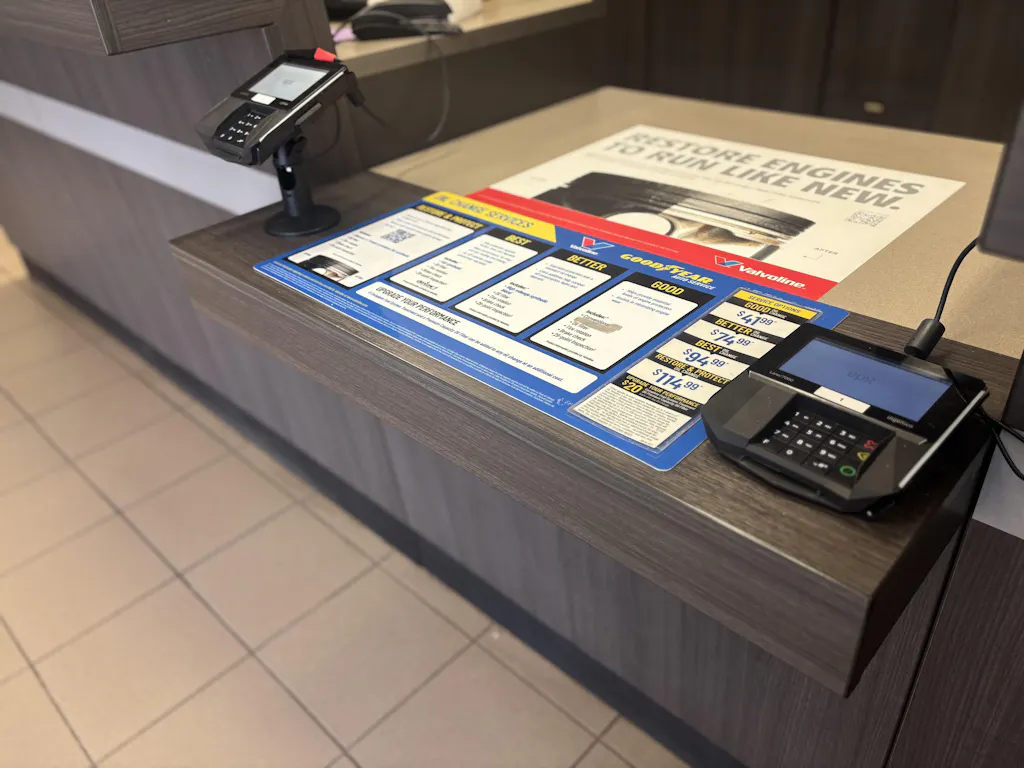
Locking POS stands are an easy and useful way to keep your payment terminal safe. These stands keep the device from moving around on the counter. This makes it much harder for anyone to steal, move, or mess with it.
A lock and key on your POS stand makes it even safer. It protects the device and makes your setup look safer, which stops fraud. This small step can make a big difference in keeping your system safe, especially if you use PAX Technology devices that you trust.
To set up a strong POS system, the first thing you need to do is make sure the device doesn't move. Locking systems ensure the terminal's safety, preventing unauthorized movement or removal. Typically, these stands attach to a desk or counter, ensuring stability and ease of use.
With a safe mount:
The terminal never moves from its spot
Locks stop people from taking things without asking.
The cables and ports are still safe
Only employees can use or change the device.
This kind of setup makes it less likely that someone will steal from you and makes sure that the payment process is safe and steady. Better customer service with no risk
Recommended Read: Enhance Your Retail Experience With the PAX Series POS Stands
Customers shouldn't have to deal with more trouble because of security. Modern POS stands are made to be safe and simple to use. The terminal can move just enough for customers to enter their PIN or confirm a payment because it offers features like swivel and tilt.
At the same time:
The device stays on and is safe
Movement is limited and controlled
The staff has full control over the terminal
This setup protects the system and makes sure customers have a positive time.

If you want strong security, you need a clear list of things to do. A clear list simplifies the process and ensures that you don't overlook anything crucial.
Following the right POS security checklist will help keep your device and your customers' data safe. This step is very important when you use PAX Technology terminals.
Here's a list of things you can do one at a time. A List of Things to Do to Keep Your Body Safe
Use a locking POS stand to keep the terminal from moving
Add cables that stop theft for extra safety.
Place the terminal where it can be seen and controlled
Check for any strange attachments or damage on a regular basis
Only let staff who have permission to enter in person
Setting things up safely reduces the likelihood of theft or damage. A List of Things to Do to Keep Your Network Safe
Recommended Read: The Ultimate Guide to POS Stands for PAX
A secure POS stand does more than just hold the device, it also keeps everything safe and in order. If you mount and place your terminal correctly, it will stop you from moving around too much and keep you out of dangerous areas.
Put the stand in a safe place that only staff can get to
Don't put terminals in places that are open or dangerous.
Ensure that the cables are neat and safe inside the stand setup.
Keep the connection safe and stable by using a fixed position.
Ensure that the stand looks neat and professional.
A well-placed and secure stand setup makes it harder for people who shouldn't be there to get in or cause trouble, which keeps the area safe.
Keep your POS software up to date on a regular basis
Download the latest firmware and security updates
Obey rules like PCI DSS
Watch transactions for any odd behavior
Limit who can access the system by using user roles and permissions.
Effective software practices keep your system safe and protect you from threats you can't see.
Don't take out the headings, please.
Setting up your POS correctly completes half of the work. You can lower most risks before they even happen if your setup is strong from the start. This easy-to-follow guide shows you how to protect card machines step by step with real-world actions that work, especially for PAX Technology devices.
 Start with a strong base. Use a locking POS stand to keep your terminal in one place. A good mount keeps things from moving, keeps cables safe, and lowers the chance of theft or tampering.
Be sure to:
The stand is firmly attached to the counter.
It has a way to lock it.
You can't easily take the device off.
Your network should be safe and private. Don't use open or shared WiFi, and always use a safe connection when making purchases.
Set up:
WiFi and router passwords that are hard to guess
A firewall to keep out unwanted visitors
A separate network for point-of-sale devices
A VPN can provide you with extra protection if you need it.
Encryption keeps payment information safe by making it impossible for outsiders to read. Keeping your system up to date ensures immediate fixes for security holes.
Follow these steps:
Turn on the built-in encryption features.
Update your software and firmware on a regular basis.
Don't wait to apply security patches.
Following rules like PCI DSS keeps the system safe.
Your POS system shouldn't be open to everyone. Only trained staff should be able to use it, and their roles should be clear.
Best ways to do things:
Assign users permissions based on their roles.
Use strong passwords to access the system.
Teach employees how to spot strange behavior
Don't give out your login information.
A well-trained team with limited access can prevent many common security issues. Please remember to look at the heading and points.
Recommended Read: Best Stands for PAX In Retail Stores
There isn't just one way to keep your payment terminal safe you need to use the right mix of them. A good setup keeps both the device and the information on it safe.
If you use PAX Technology terminals, adding simple anti-theft features can make a big difference in how safe you feel every day.
Here are the best choices to think about:
Locking POS stand
Cable lock to stop theft
Mount on a wall or desk
Safe POS software
Firewall and VPN for network security
If you don't pay attention to small mistakes, even a reliable system can become unsafe. Many businesses spend a lot of time setting up their point of sale (POS) but don't remember to keep it safe.
These gaps can let both the device and customer data leak over time. PAX Technology terminals are safe, but they still need the right POS data protection strategies to stay that way.
Here are the most common mistakes that put you at risk:
Not using a secure stand or leaving the terminal unlocked
Using weak or default passwords on networks and devices
Linking POS systems to WiFi that is open or shared
Not paying attention to security patches and software updates
Not following the rules of PCI DSS
Letting too many people use the system
Not keeping an eye on transactions for strange behavior
Not checking regularly for changes to the device or tampering
These mistakes may seem small, but they can cause big problems like losing money, fraud, and data breaches.
It's easy for criminals to break into small businesses and stores because their security isn't excellent. If you set up your POS system and use the right habits, though, you can keep it safe without too much trouble. These helpful tips can help you stay safe and avoid common dangers if you use PAX Technology devices.
Here are some helpful hints for small businesses on how to keep their POS systems safe:
Put your terminal in a locking stand to keep it safe and in place.
Keep the device where staff can always see it
Don't use WiFi that is open to the public or shared for business.
Don't use the default settings and change your passwords often.
It is important to keep your software and POS system up to date.
Only let employees who have been trained and are trustworthy use it
Look at the device every day to see if anything is wrong.
Follow easy rules like PCI DSS
Monitor transactions closely to swiftly identify any anomalies.
You and your customers can stay safe by following these simple steps.
Every business should take the security of its POS system very seriously. Small problems, like an unlocked device, a weak network, or old software, can quickly turn into bigger ones, like fraud or losing data.
The good news is that you can avoid most of these risks by doing simple things on a regular basis. When you keep your terminal safe, use a secure network, update your system often, and limit who can access it, you protect your business well.
It's always best to get help from an expert if you want to make sure everything is set up correctly. Contact Hilipro today to get professional help keeping your PAX terminals safe and your business safe from fraud.